AI voice agents
Create an AI agent that answers or makes calls in English, Hindi and Hinglish.
Create an agent
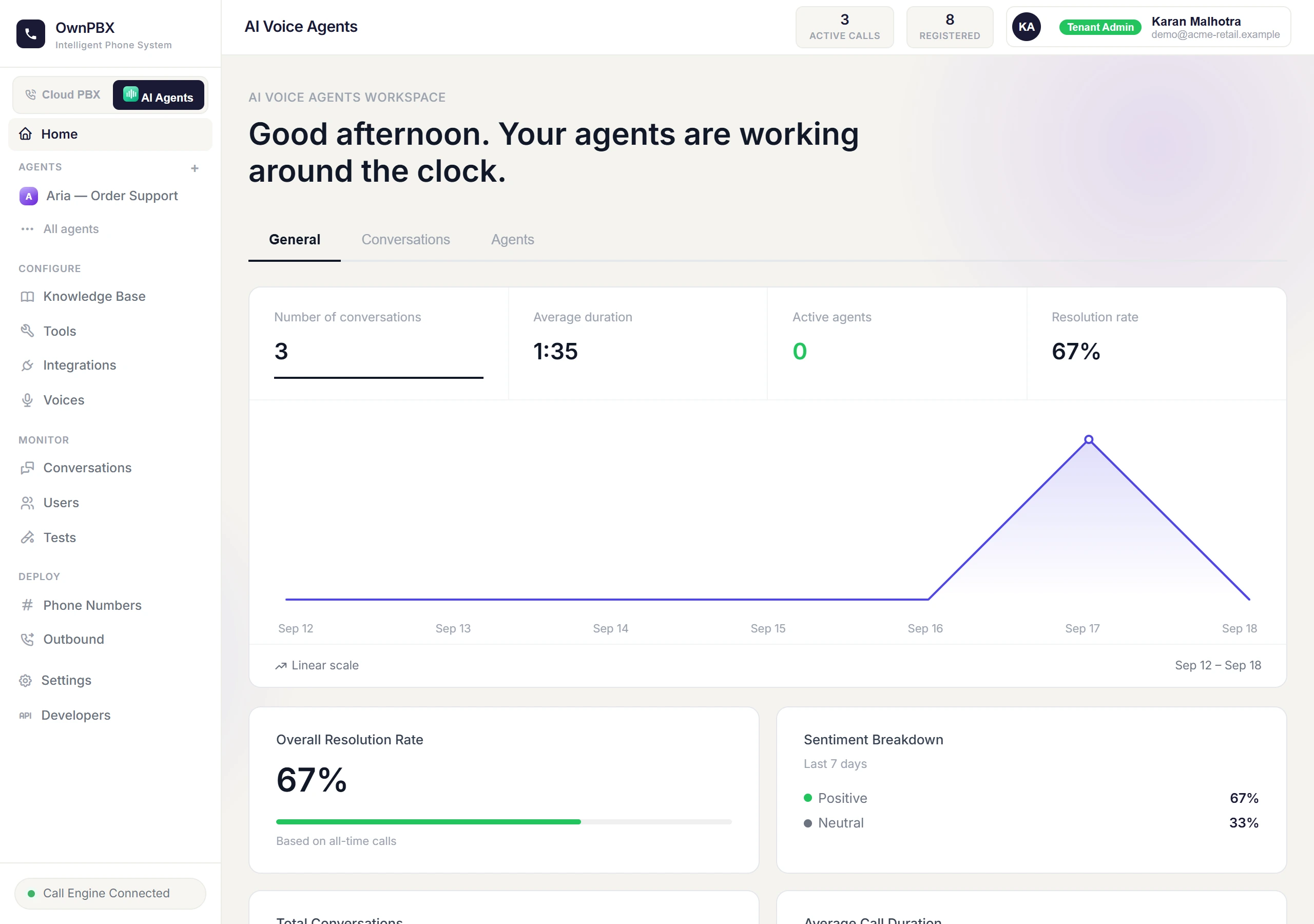
- Switch to the AI Agent workspace using the toggle at the top of the menu.
- Start the new-agent wizard and enter an Agent Name.
- Describe what the agent should do, or start from a template.
- Pick a voice. For Hindi and other Indian languages, use a voice from Indian (Sarvam).
- Finish the wizard, then refine the greeting and instructions in the agent's settings.
Write good instructions
- Say who the agent is, who it's calling or answering, and the goal of the call.
- Ask for short replies — one idea at a time. Callers can't interrupt while the agent is speaking, so long answers feel like being talked at.
- List the facts it may use (products, prices, timings) and what it must never promise.
- Tell it when to hand over to a person.
- Match the voice language to the language the agent speaks — a Hindi agent should use a Hindi voice.
Knowledge base
Add product details, FAQs and policies under Knowledge Base. The agent looks up the relevant part during a call, so you don't need to paste everything into its instructions.
Take calls and make calls
- Inbound: assign a phone number to the agent under Phone Numbers. Calls to that number are answered by the agent.
- Outbound: use Outbound to have the agent call a number or run a calling campaign.
Review and improve
Every call's transcript is available under Conversations. Read a few calls after any change, and use Tests to try the agent before putting it live.