API and webhooks
Automate OwnPBX: manage extensions, fetch call records, start calls and receive call events.
Authentication
- Go to PBX → Developer API and create an API key.
- Copy the key straight away — it is shown only once.
- Send it with every request in the Authorization header.
curl https://console.ownpbx.in/api/v1/me \
  -H "Authorization: Bearer YOUR_API_KEY"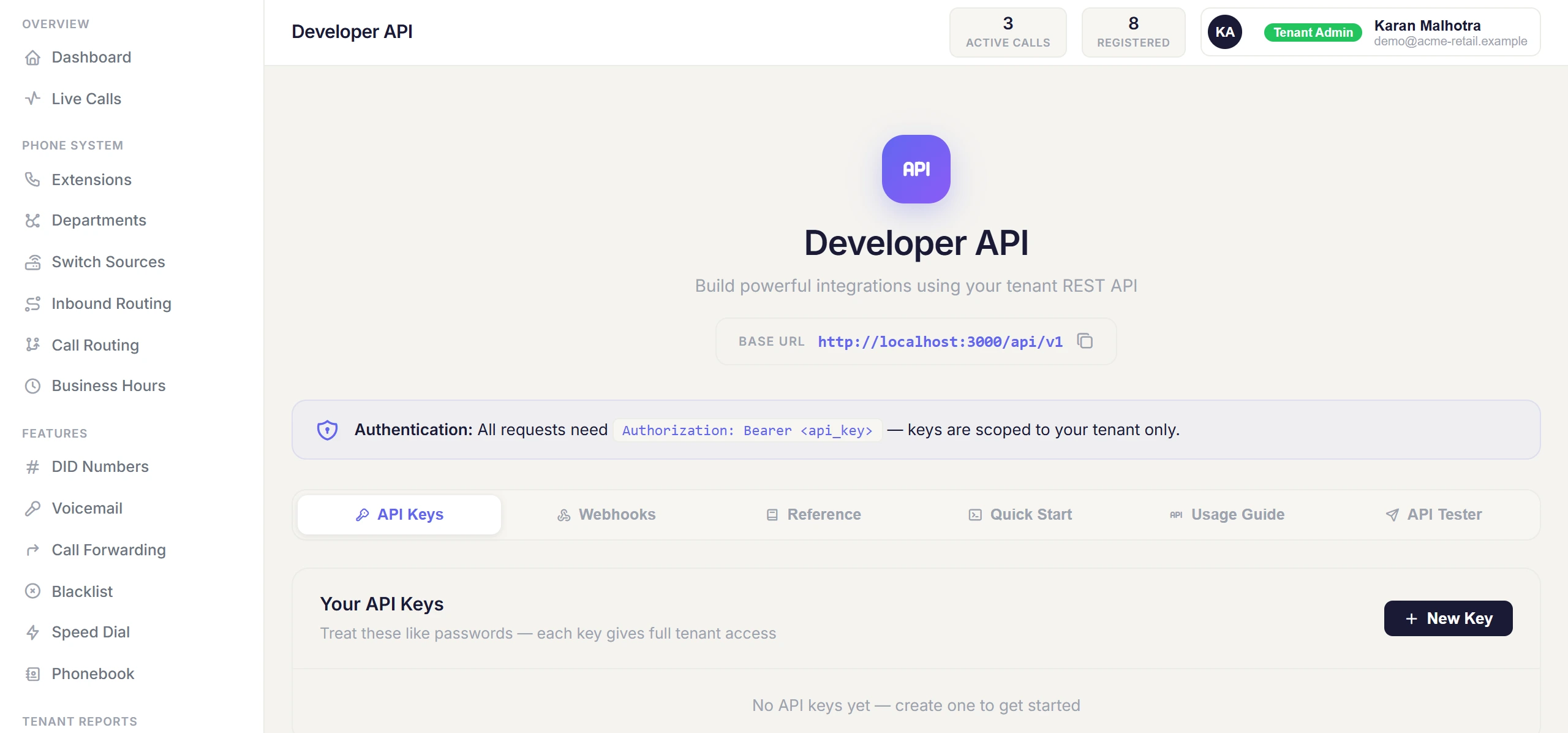
Endpoints
All paths are relative to https://console.ownpbx.in.
| Method & path | Purpose |
|---|---|
| GET /api/v1/me | Your account details. |
| GET /api/v1/extensions | List extensions. |
| POST /api/v1/extensions | Create an extension. Body: extension, password, caller_id_name, caller_id_number. |
| PUT /api/v1/extensions/:ext | Update an extension. |
| DELETE /api/v1/extensions/:ext | Delete an extension. |
| GET /api/v1/dids | List phone numbers. |
| PUT /api/v1/dids/:id | Change where a number routes. |
| GET /api/v1/calls | Call records. Query: from, to (YYYY-MM-DD), direction, extension, search, limit (max 1000), offset. |
| GET /api/v1/calls/:uuid | One call. |
| GET /api/v1/recordings | List recordings. |
| GET /api/v1/recordings/:id/download | Download a recording. |
| POST /api/v1/calls/c2c | Click-to-call: rings your agent's extension first, then connects them to the destination. The destination is called through your account's normal outbound routing and billed like any other call. Body: agent_extension, destination, caller_id (optional — defaults to the extension's caller ID number). |
| POST /api/v1/calls/originate | Connect two internal extensions. Body: from, to, caller_id (optional). |
| GET /api/v1/contacts, POST, DELETE /:id | Manage phonebook contacts. |
| GET /api/v1/webhooks, POST, PATCH /:id, DELETE /:id | Manage webhooks. |
Example: click-to-call
curl -X POST https://console.ownpbx.in/api/v1/calls/c2c \
  -H "Authorization: Bearer YOUR_API_KEY" \
  -H "Content-Type: application/json" \
  -d '{"agent_extension":"1001","destination":"919876543210"}'
Webhooks
Create a webhook to receive call events at your URL as they happen. Body when creating: name, url, events (comma-separated), secret (optional but recommended).
| Event | Sent when |
|---|---|
| call.started | A call begins. |
| call.ended | A call finishes. |
| call.missed | An inbound call is not answered. |
| call.recorded | A recording is ready. |
| agent.call.started | An AI agent call begins. |
| agent.call.ended | An AI agent call finishes. |
Each request is a POST with a JSON body containing event, timestamp and data. Read the event name from the body.
Verify webhook signatures
If you set a secret, each request includes an X-OwnPBX-Signature header: sha256= followed by an HMAC-SHA256 of the raw request body using your secret. Reject requests where it doesn't match.
// Node.js (Express) — use the raw body, not parsed JSON
const crypto = require("crypto");

app.post("/ownpbx-webhook", express.raw({ type: "application/json" }), (req, res) => {
  const expected = "sha256=" + crypto
    .createHmac("sha256", process.env.OWNPBX_WEBHOOK_SECRET)
    .update(req.body)
    .digest("hex");
  const given = req.get("X-OwnPBX-Signature") || "";
  const ok = given.length === expected.length &&
    crypto.timingSafeEqual(Buffer.from(given), Buffer.from(expected));
  if (!ok) return res.status(401).end();

  const { event, data } = JSON.parse(req.body);
  // handle event...
  res.sendStatus(200);
});