Billing and balance
See your rates, top up your balance and follow your charges.
My Account & Billing
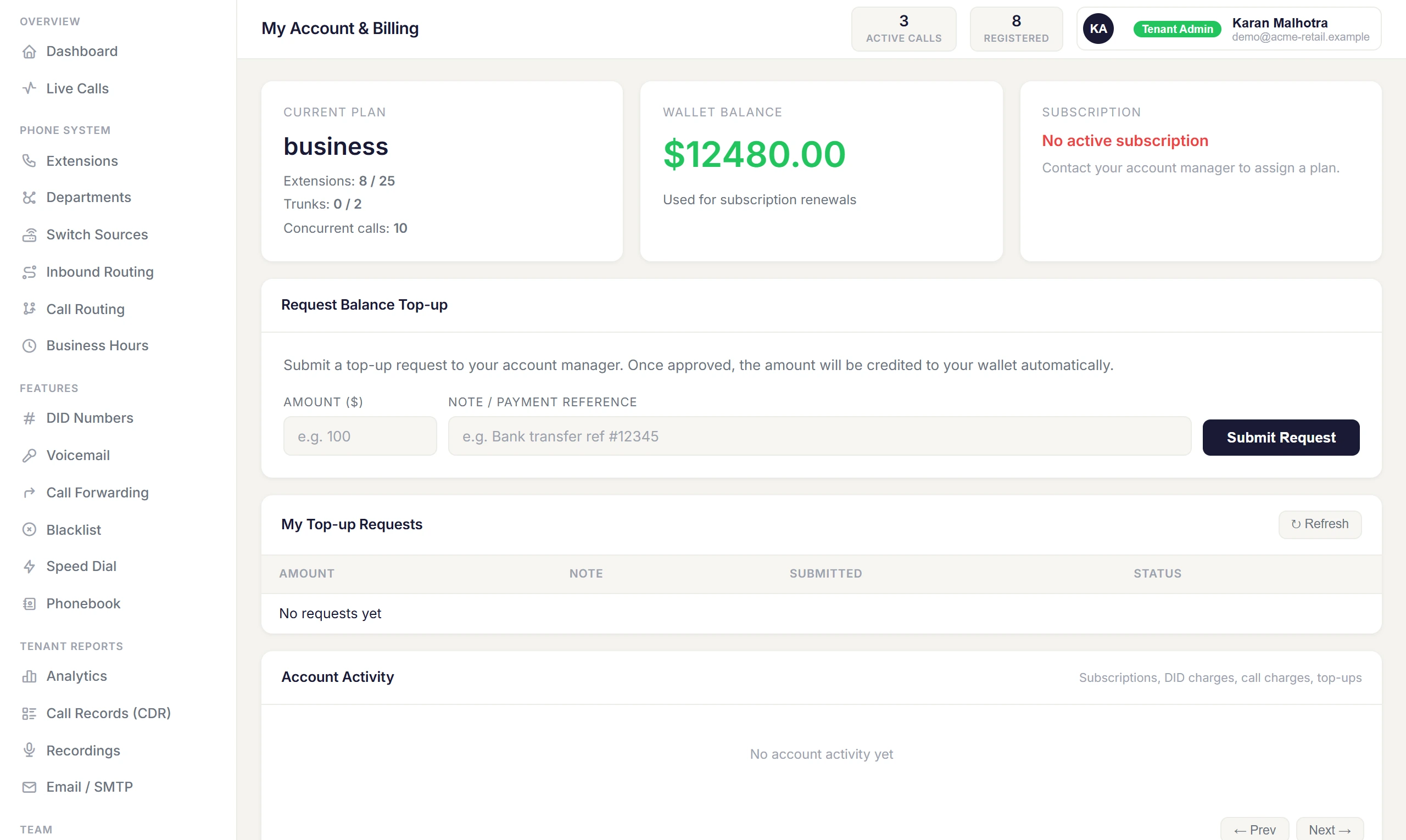
PBX → My Account & Billing shows your plan, your balance, Your Rates, your top-up requests, and Account Activity — every charge and top-up, page by page.
How calls are charged
- Only connected calls are charged. Unanswered and rejected calls are free.
- Calls are billed in pulses shown on Your Rates — for example 60/6 means the first minute is charged in full, then every 6 seconds after that.
- On prepaid plans the cost is deducted from your balance as each call ends, and appears against the call in Call Records.
- On plans with included minutes, calls stop once the minutes are used up.
Top up your balance
- Open My Account & Billing and use Request Balance Top-up.
- Enter the amount and submit.
- Track the request under My Top-up Requests; the balance updates once it's approved.