Connect phones and softphones
Settings for desk phones and softphone apps, and how agents take calls in the browser.
SIP settings
Use these settings in any SIP desk phone or softphone app (for example Zoiper, MicroSIP or Linphone):
| Setting | Value |
|---|---|
| Username / Auth ID | Your extension number, e.g. 1001 |
| Password | The extension's SIP Password |
| Domain / Realm | Your account's SIP domain, shown as SIP Domain in your welcome email (e.g. acme.sip.ownpbx.in) |
| Server / Outbound proxy | console.ownpbx.in |
| Port | 5060 |
| Transport | UDP |
Shortcut: if your SIP domain ends in .sip.ownpbx.in, you can enter your SIP domain in both the Domain and Server fields — it points to our server automatically.
Take calls in the browser (Agents)
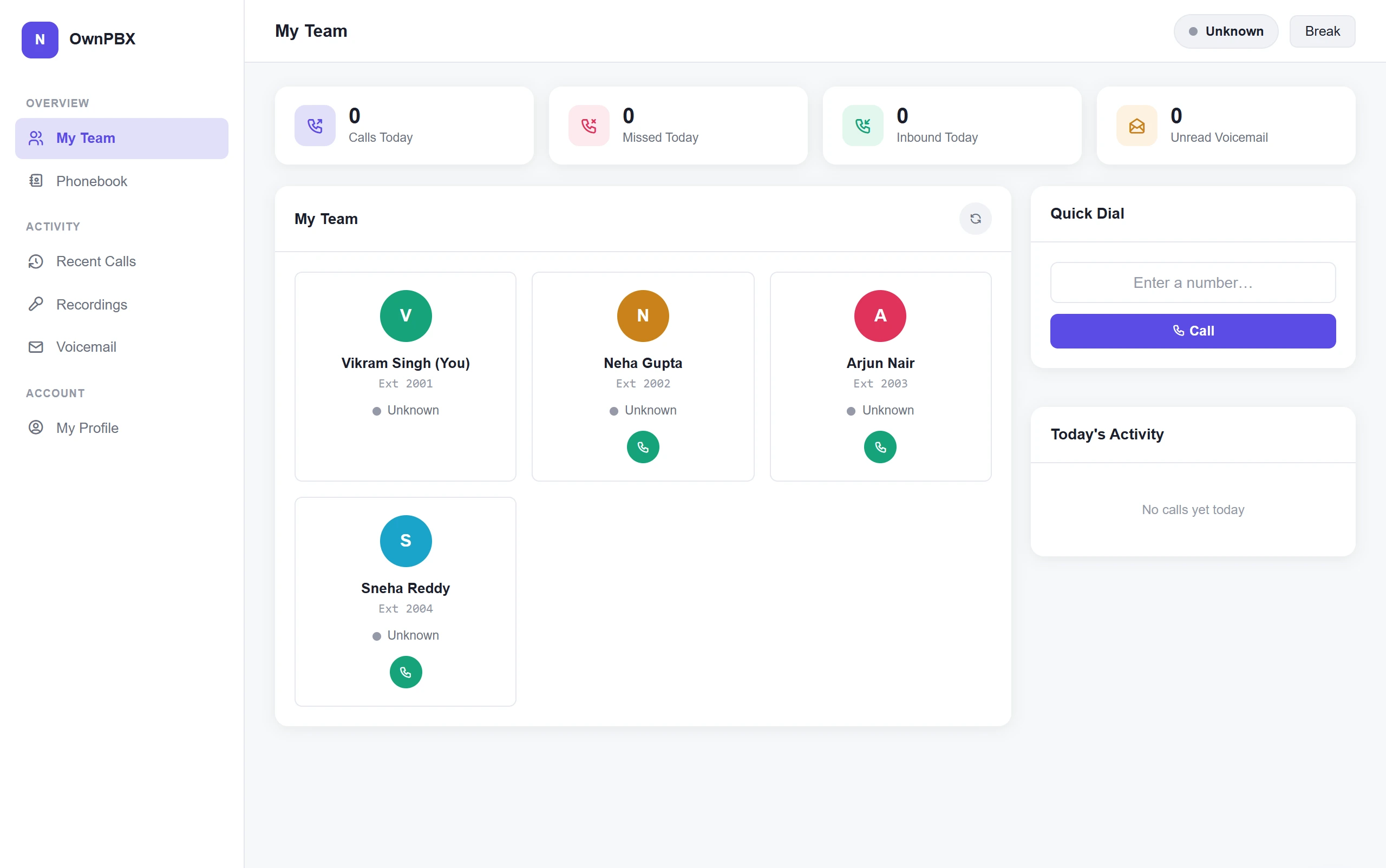
Agents can make and receive calls in a web browser without installing anything:
- Open https://console.ownpbx.in and choose Agent.
- Enter your Tenant (your company's short ID, e.g. acme), your Extension and its Password.
- Allow microphone access when your browser asks.
Failed sign-in protection
To protect accounts from password-guessing attacks, 5 failed phone sign-ins from the same internet address within 10 minutes block that address for 24 hours. This blocks every device on that network, including the web console.
If a phone keeps failing, fix its password before it retries. If your office gets blocked, email ops@ownpbx.in with your public IP address and we will unblock it.