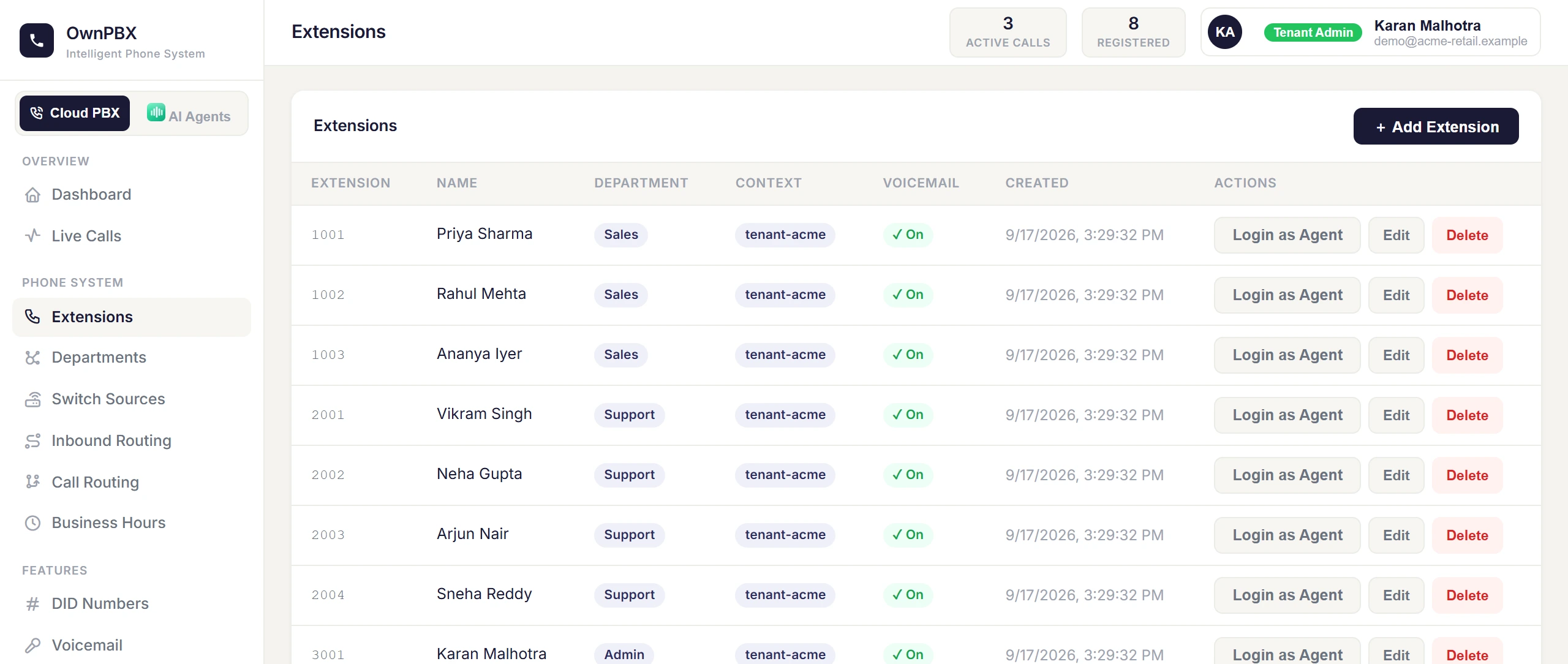
Extensions
Create the internal numbers your team uses to make and receive calls.
Create an extension
- Go to PBX → Extensions and add an extension.
- Fill in the fields below and save.
| Field | What to enter |
|---|---|
| Extension | The internal number, e.g. 1001. Must be unique in your account. |
| SIP Password | Used by the phone to sign in. Use a long, random password — anyone with it can make calls on your account. |
| Display Name | The person's name, shown to colleagues on internal calls. |
| Caller ID Number | The number shown to people this extension calls outside the company. |
| Voicemail PIN | Used to listen to voicemail from the phone. |
| Department | Optional. Extensions in a department see only their own team. |
Departments
Create departments under PBX → Departments and assign extensions to them. People in a department only see their own team's extensions and activity, which keeps larger organisations tidy and private.
Limits
Your plan sets the maximum number of extensions and simultaneous calls. If you reach a limit, contact us to upgrade.