Reports and wallboards
Track call volume, agent activity and individual calls.
Analytics
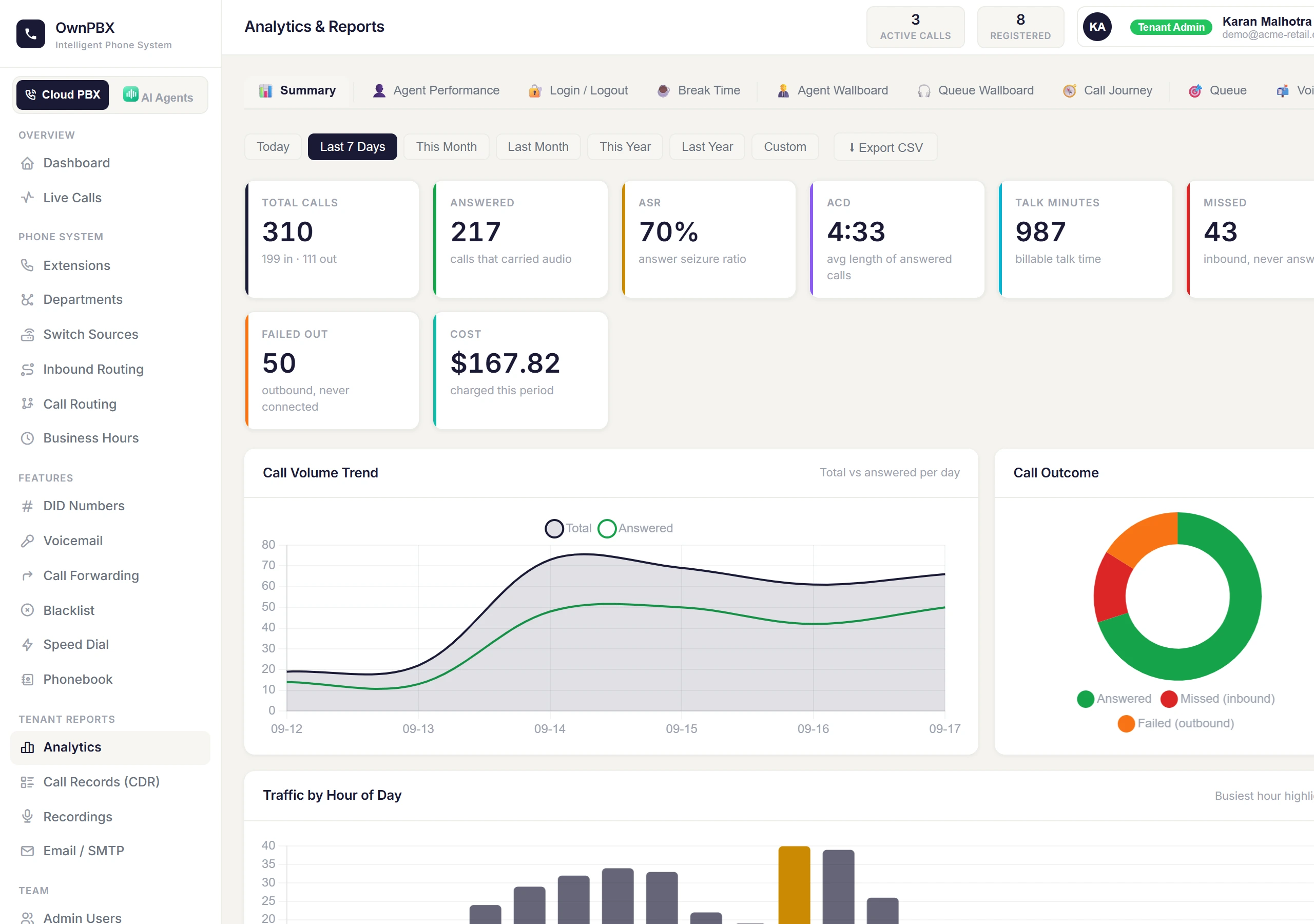
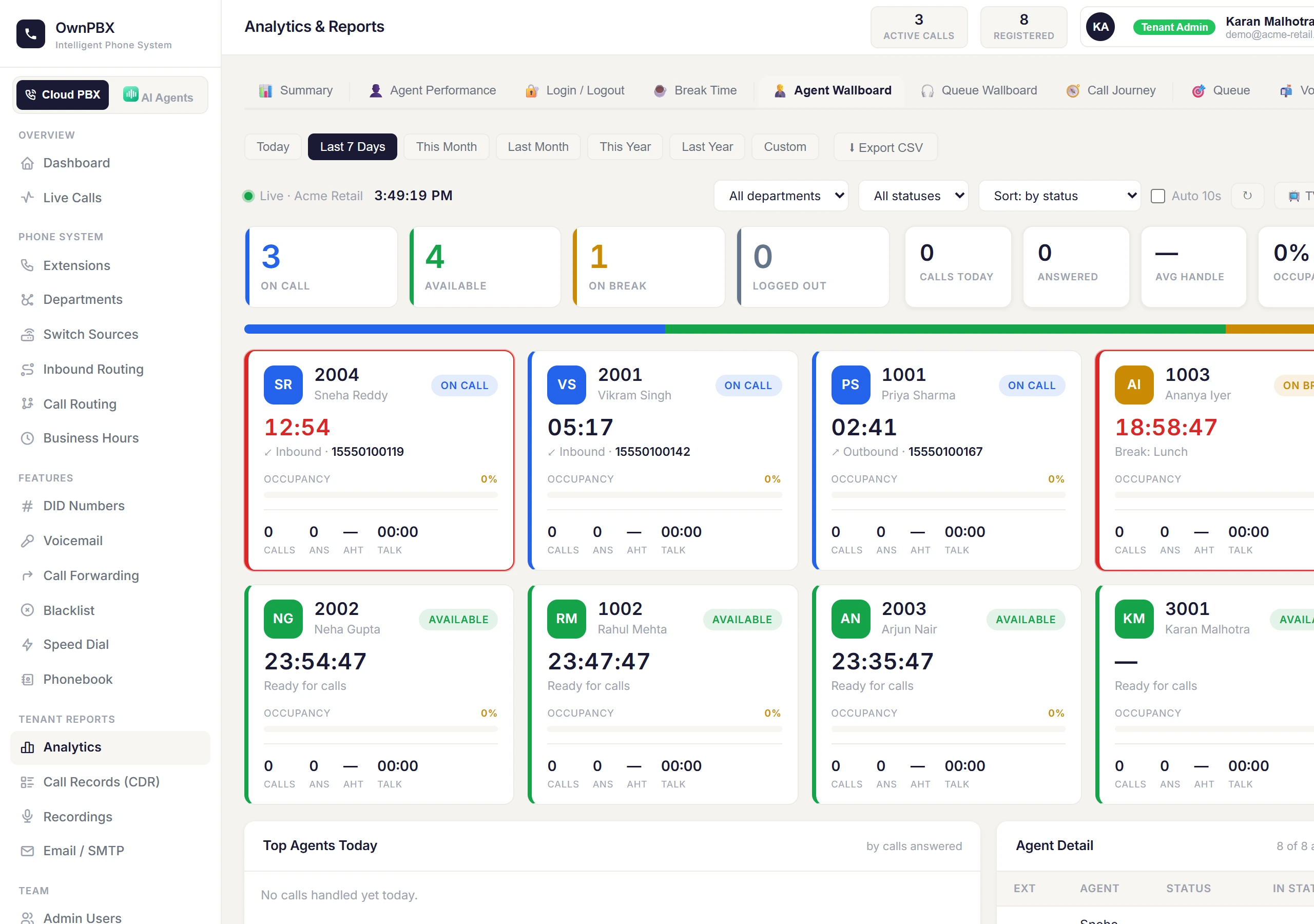
PBX → Analytics has a tab for each report, all using the date range at the top:
| Tab | Shows |
|---|---|
| Summary | Total, answered and missed calls, answer rate (ASR), average call length (ACD), cost, trends, busiest hours, and why calls failed. |
| Agent Performance | Calls and talk time per agent. |
| Login / Logout, Break Time | When agents signed in and how long breaks lasted. |
| Agent Wallboard | Live status of every agent — on call, available, on break — with how long they've been in that state. Use TV mode for a wall display. |
| Queue Wallboard | Callers waiting, agents ready, and today's answered and abandoned calls per queue. |
| Call Journey | Pick any call to see each step it took — number, menu, queue, who answered and how it ended. |
Call records and live calls
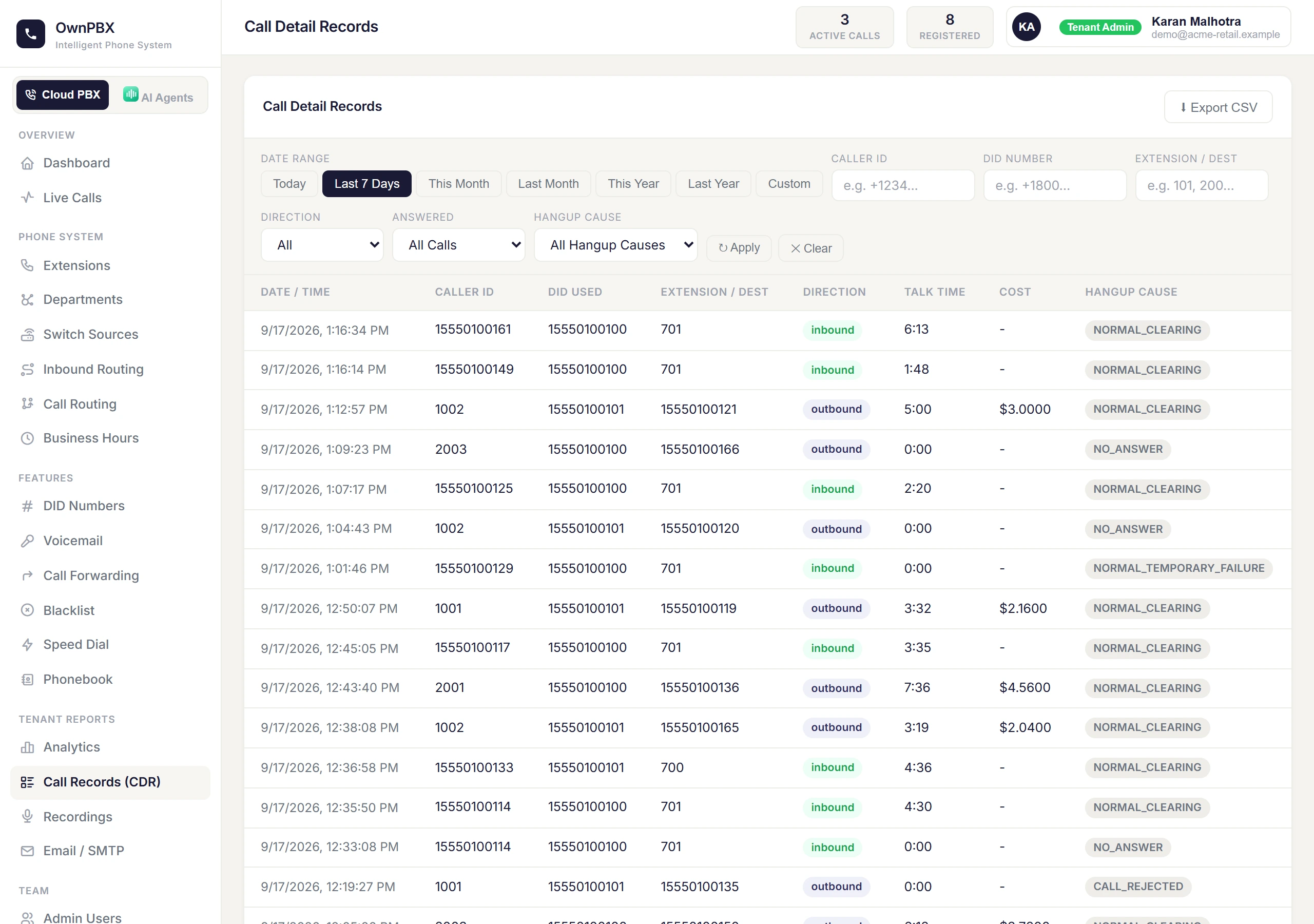
- Call Records (CDR): every call with its cost. Filter by date, direction and answered or unanswered, and export to CSV.
- Live Calls: calls in progress right now.
- Recordings: listen to or download recorded calls.
How "answered" is counted
A call counts as answered when it was connected and carried audio. Missed calls are inbound calls nobody answered; outbound calls that never connected are shown separately as failed.